JOBBIVU / GET TO KNOW US
How Jobbivu works
Choose your path: post a job for free or find suitable work. Verify your account, compare proposals and agree on contact sharing.
STEP-BY-STEP GUIDES
Choose your path. Follow the steps.
Hire someone, find work or refer members. Read the steps below, open each diagram or save the guides for later.
Download all three guides · PDF
01 / 03 · FOR PEOPLE HIRING
Need a helping hand? Start here.
From your task to the right connection.
Create an account
Verify your email and phone number.
Post a job for free
Describe the task, area and timing.
Wait for listing review
Add details if more information is requested.
Compare proposals
Review profiles and find a suitable worker.
Send a hiring invitation
The worker confirms they accept the job.
Work together & review
Agree on pay directly; review only a worker you hired.
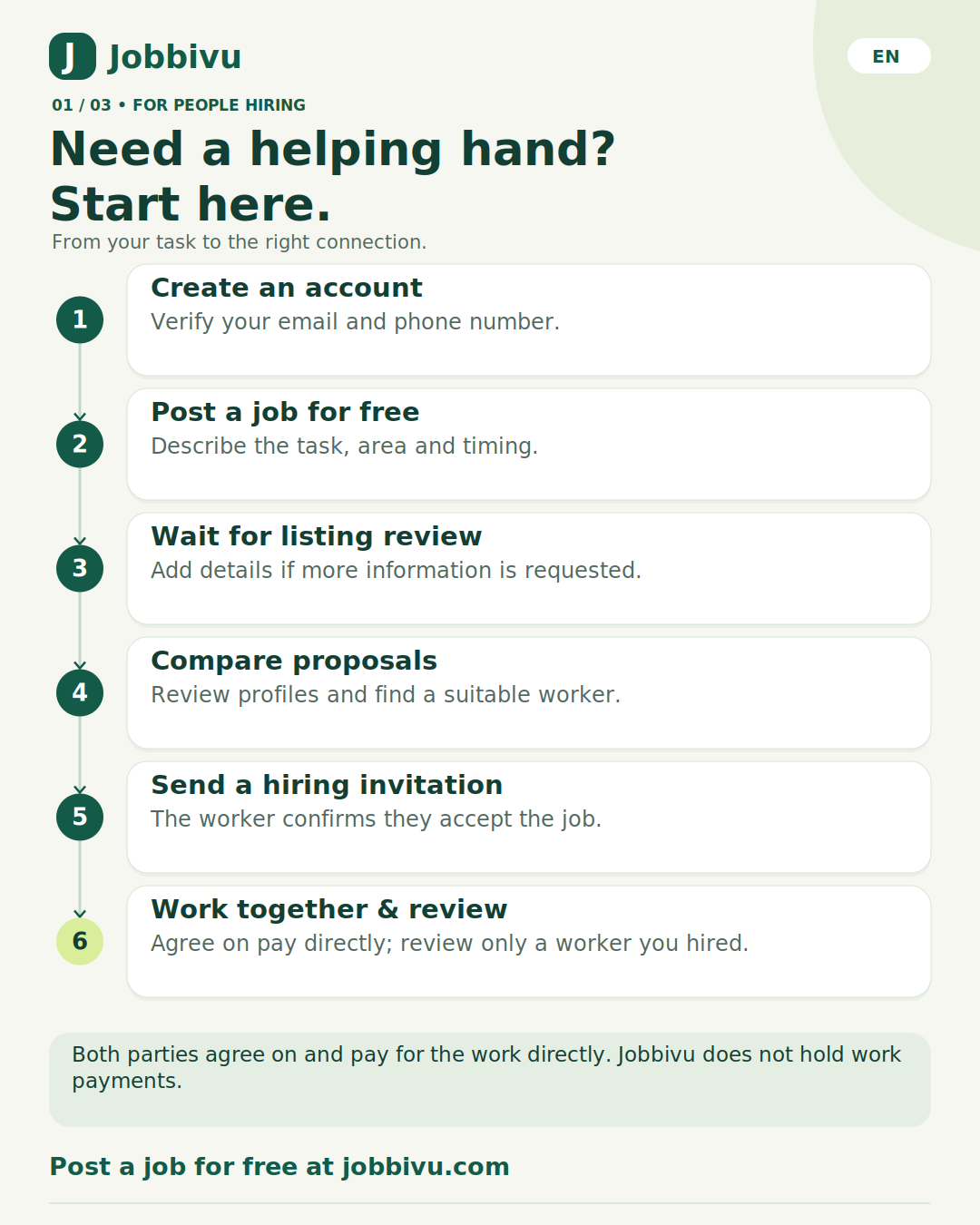
Both parties agree on and pay for the work directly. Jobbivu does not hold work payments.
02 / 03 · FOR PEOPLE FINDING WORK
Have a skill? Find your next opportunity.
Introduce your skills. Connect with real needs.
Verify & build your profile
Verify email and phone; introduce your skills.
Get GIF if eligible
Welcome gift: USD 20 in GIF credit.
Find a suitable job
Read the requirements, location and timing.
Send a proposal
USD 2 per listing, or use eligible GIF credit.
Accept the hiring invitation
Agree on the scope, schedule and pay.
Do the work & respond
Receive work payment directly; reply to your review.
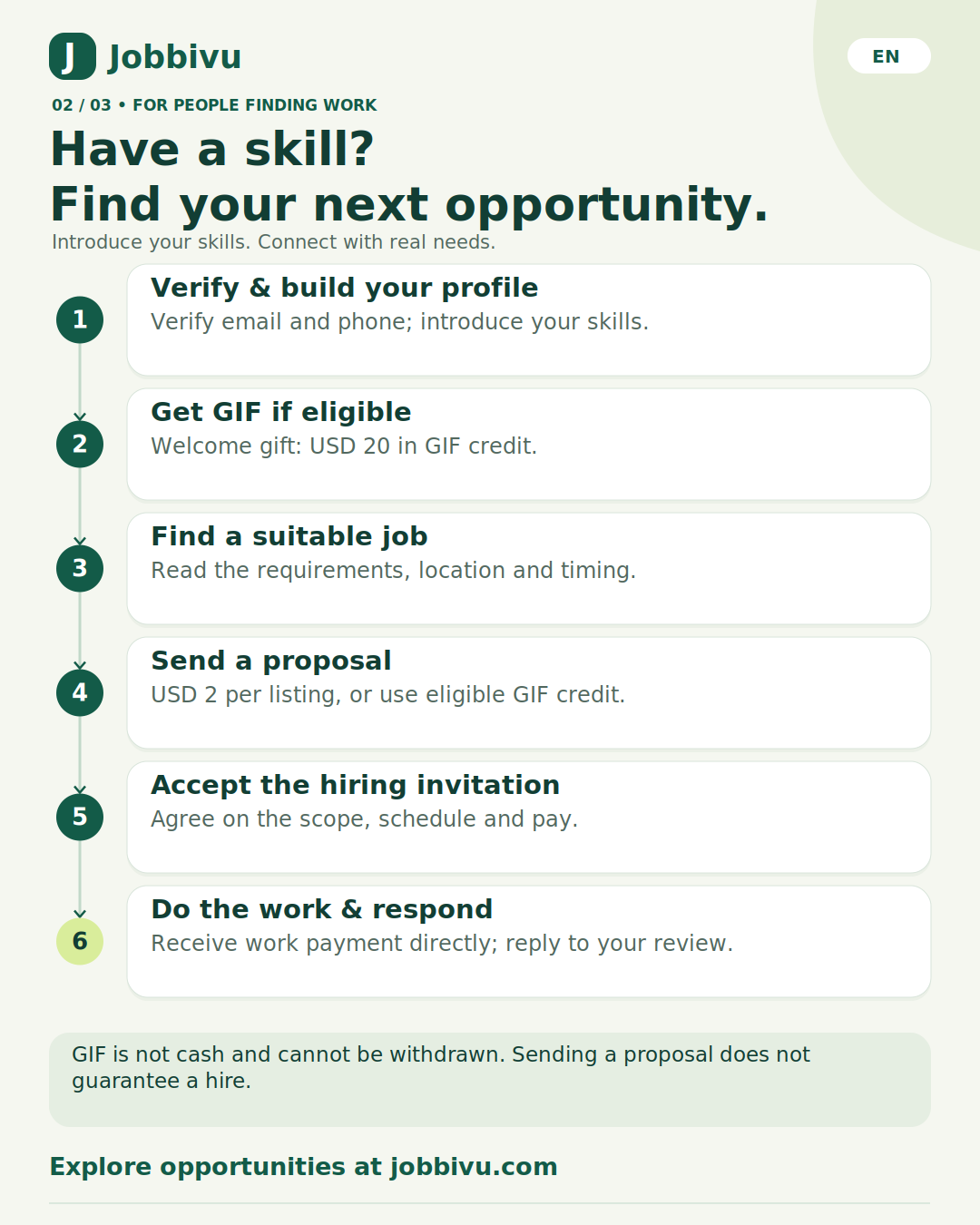
GIF is not cash and cannot be withdrawn. Sending a proposal does not guarantee a hire.
03 / 03 · REFERRALS & COMMISSIONS
Introduce Jobbivu. Track your commissions.
Reconcile first. Confirm your statement before payout.
Join the Affiliate program
Accept the terms and get your referral link.
Refer new members
Only eligible real payments earn commission.
Wait for the holding period
At least 30 days; funds must remain eligible.
Complete payout setup
Verify with Stripe; eligible balance of at least USD 20.
Reconcile before payout
History is checked before a PDF statement is prepared.
Accept on the statement page
Review the PDF. In your account, tick both confirmations and accept the exact total.
Payout after final checks pass
The system processes it and updates payout history.
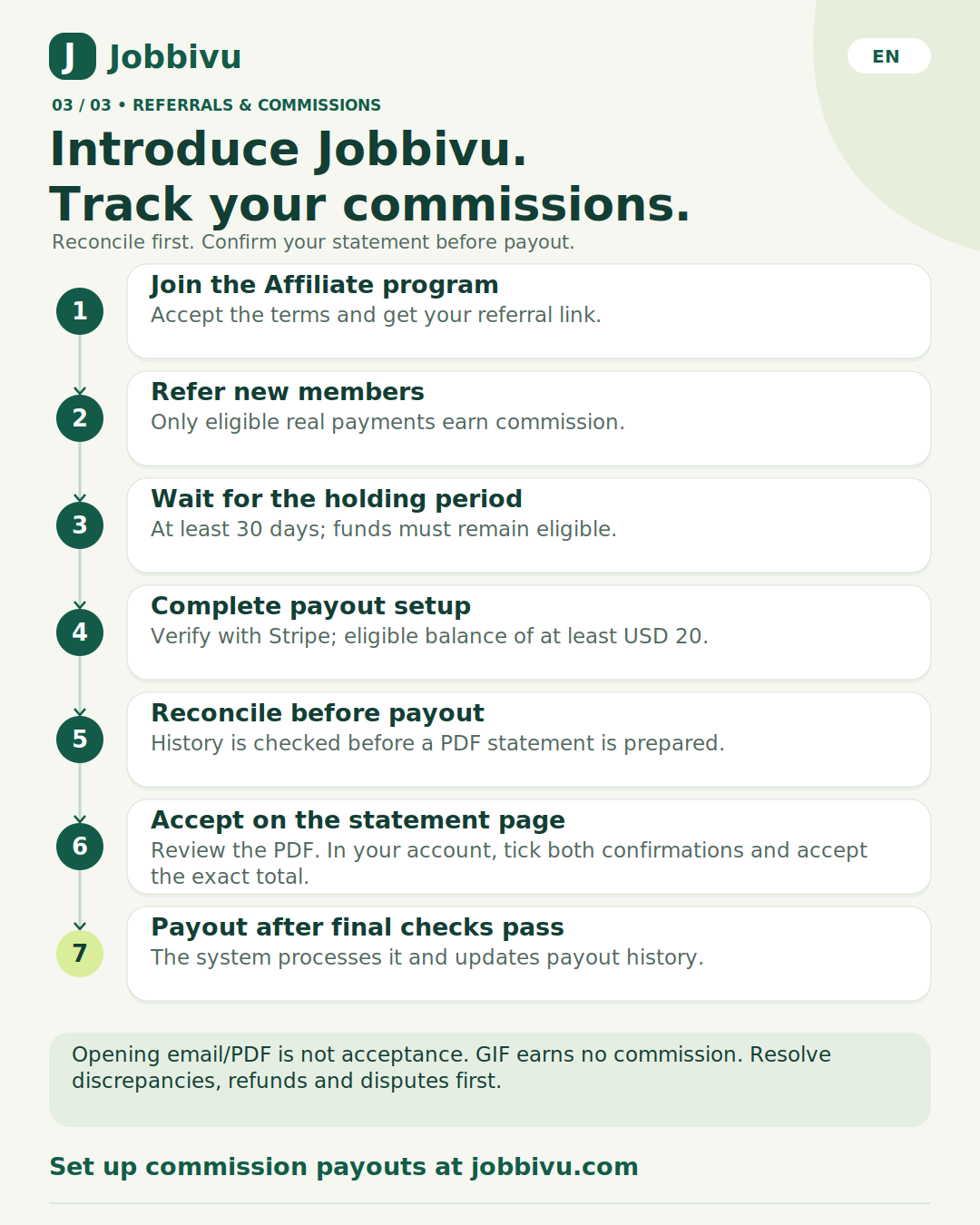
Opening email/PDF is not acceptance. GIF earns no commission. Resolve discrepancies, refunds and disputes first.